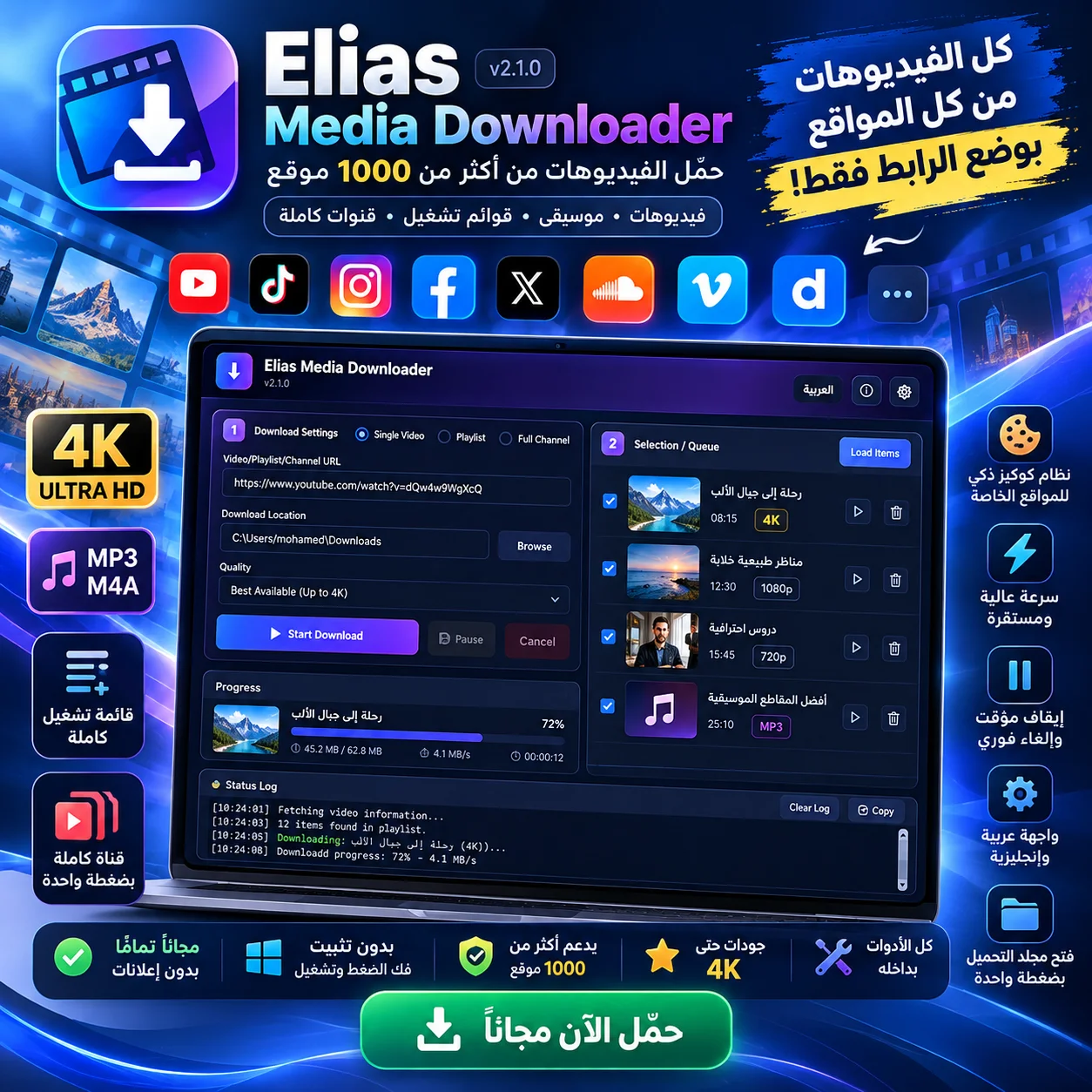
 📥Media Tools
Windows utility to download high-resolution videos and music from over 1000+ websites with a single click.
An interactive tool for teachers to transform online and offline classes into an engaging, motivational experience.
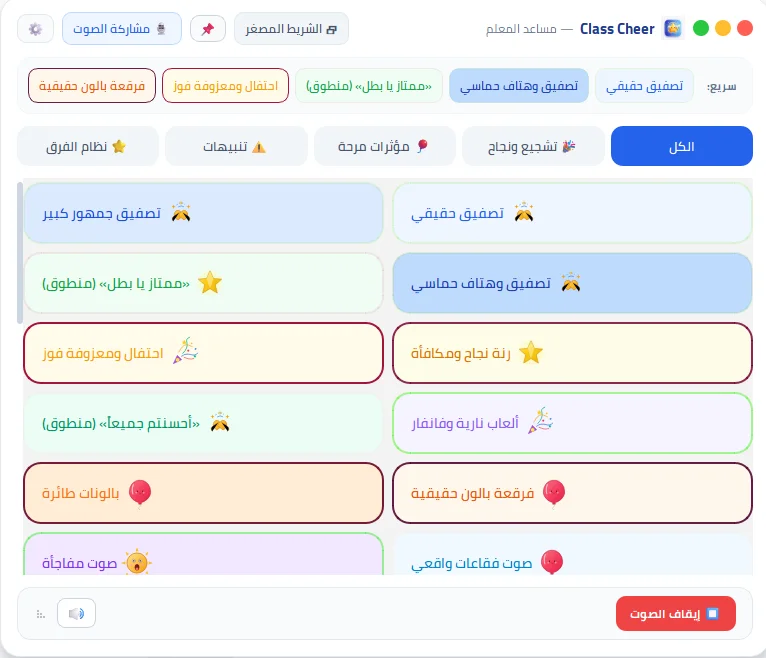
A lightweight assistant designed specifically for educators and instructors to boost engagement during lessons, whether in-person or remote via video conferencing. Features instant sound effects, applause, balloon pop animations, team competitions, and polite retry nudges, all triggered by one click or hotkeys completely offline.
| Supported OS | Windows 10, Windows 11 |
|---|---|
| Download Size | 24.5 MB |
| Version | v1.0.0 |
| Installation Method | Portable Standalone Executable |
| Internet Requirement | 100% Offline Compatible |
| License | 100% Free for Personal & Educational Use |
Yes, this tool is 100% free developed by Muhammad Alaa to empower teachers and learners. It is completely ad-free with zero hidden subscriptions.
Yes, all core functionalities run locally on your device without requiring an active internet connection, ensuring total privacy.
Because this software is built by an independent creator without an expensive commercial EV certificate, Windows Defender might prompt a warning. Simply click 'More info' and then 'Run anyway'.
Download the package (ClassCheer_Portable.zip), extract it if zipped, and launch the executable directly. Most apps are portable and require no installation.
📥Media Tools
Windows utility to download high-resolution videos and music from over 1000+ websites with a single click.
 ✂️Media Tools
A practical tool to automatically split long videos into short clips tailored for WhatsApp Status.
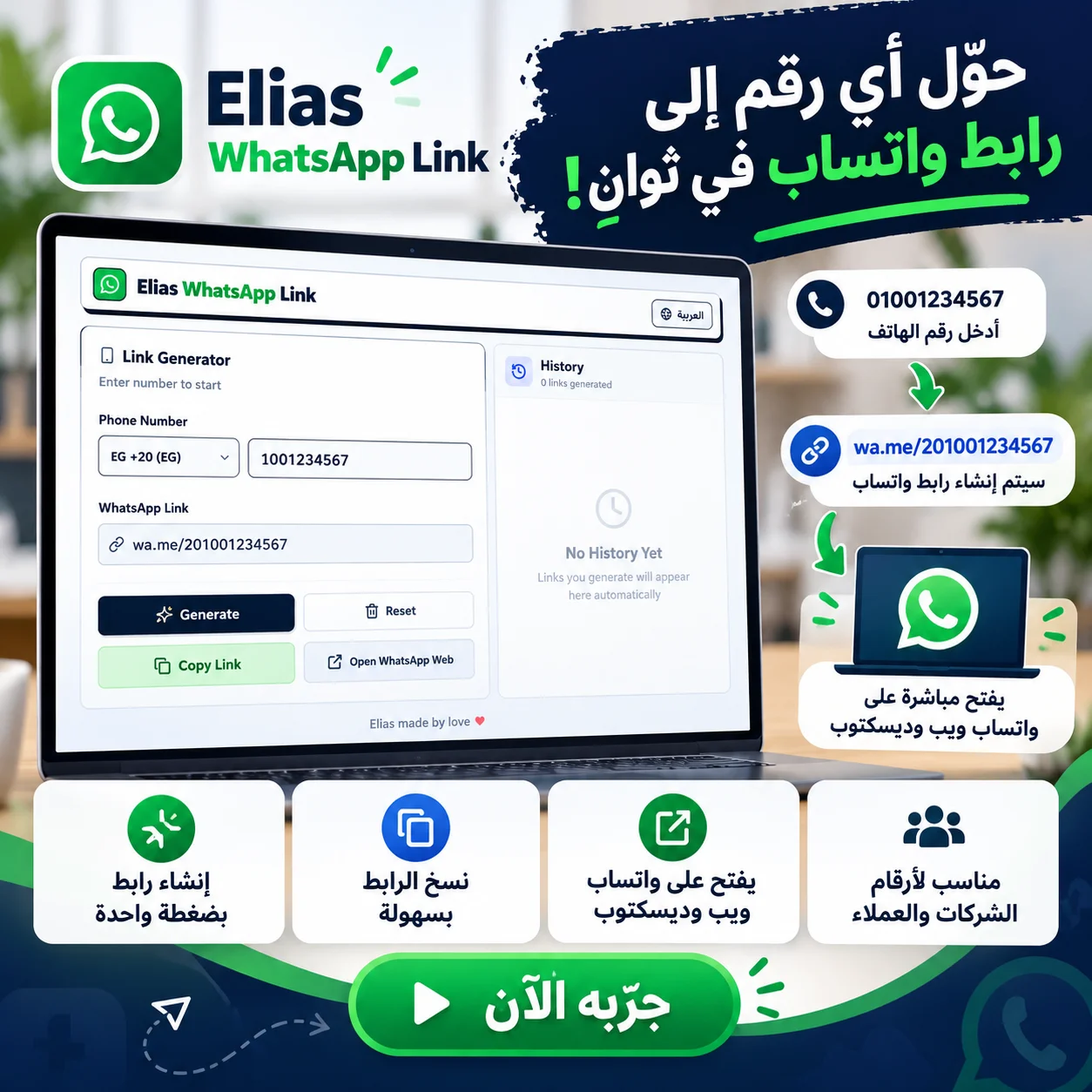 💬Productivity & Business
Easily generate direct WhatsApp chat links for any phone number without saving contacts.